Why 70% of Mobile Visitors Leave: Solving Cognitive Overload on Small Screens
European SME traffic is predominantly mobile, yet most websites are still built for wide desktop monitors. Tiny buttons, endless scrolling, and buried phone numbers drive visitors away in seconds. Here is how mobile clarity works.
Sascha Butschkau
Founder & Lead Engineer
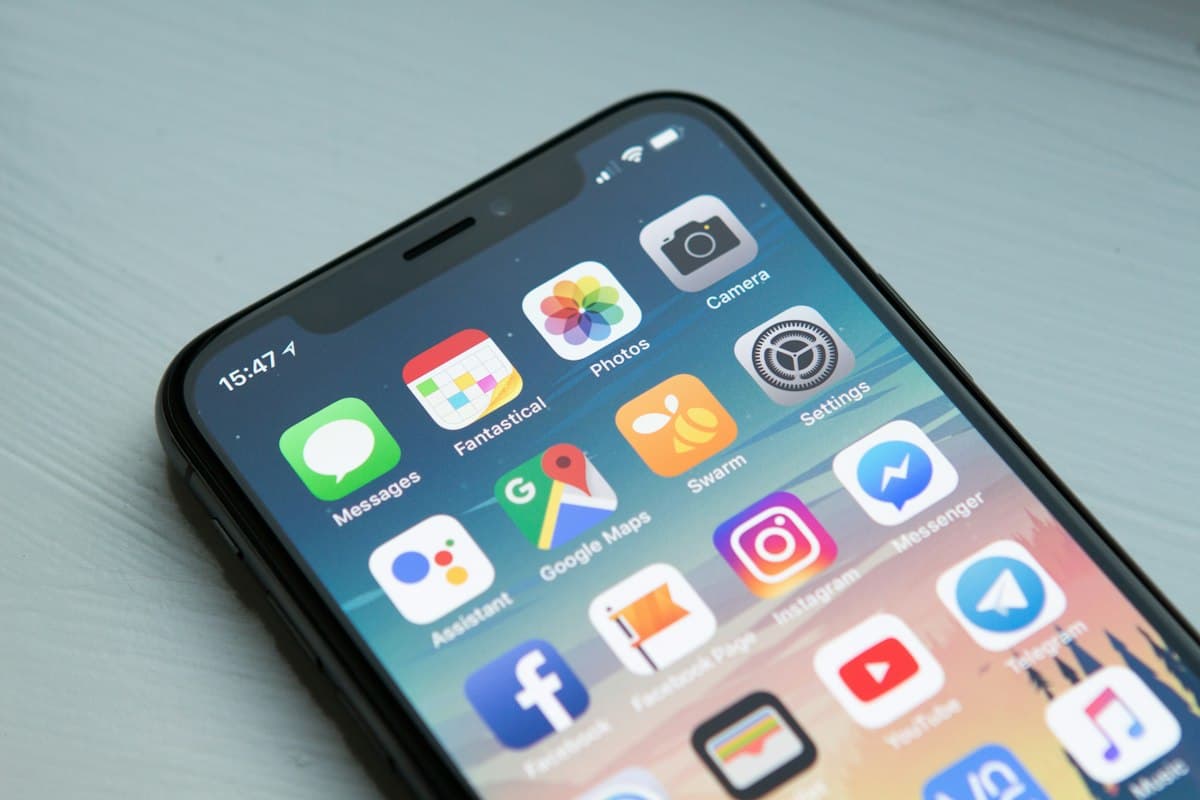
Photo courtesy of Unsplash (Free to use under license)
Key Takeaways
- Mobile users do not browse like desktop users; they scan for immediate reassurance, location, price, and contact paths.
- Cognitive overload occurs when desktop multi-column layouts are crudely stacked into miles of vertical mobile scrolling.
- The 'One-Thumb Test' ensures primary actions (call, quote, address) can be tapped easily without shifting grip.
The Desktop Bias in Small Business Design
When an agency presents a website mockup, it is almost always displayed on a gleaming 27-inch desktop monitor. The typography looks airy, the three-column feature cards feel balanced, and the expansive background photos create drama.
Yet when real European customers look for your service, over 70% of them are holding a six-inch glass screen in one hand while standing at a tram stop or sitting in their car. That beautiful three-column layout collapses into twelve screens of vertical scrolling, pushing your phone number and core credentials into digital oblivion.
“Mobile visitors do not suffer from short attention spans; they suffer from cognitive friction inflicted by desktop-first layouts.”
The Three Deadly Mobile Friction Points
When a mobile visitor lands on your page, their subconscious makes a decision in under three seconds: 'Can I trust these people, and do they solve my specific problem?' Anything that obstructs this evaluation causes an instant bounce.
- The Popup Ambush: Cookie banners stacked over newsletter popups leaving three lines of visible text.
- Imprecise Tap Targets: Links placed so closely together that visitors repeatedly misclick.
- Buried Vital Signs: Hiding physical address, pricing indicators, or opening hours inside hamburger submenus.
Designing for the Single Thumb
True mobile craftsmanship means designing around the ergonomics of the human hand. Essential actions — calling, sending a quick quote request, viewing locations — should be anchored within comfortable thumb reach.
Typography must maintain strict hierarchy without microscopic font sizes, and loading times must remain sub-second even over fluctuating cellular networks. When mobile feels effortless, conversions naturally follow.
Published by Saiteo · Written from real client engineering, design audits, and systems architecture.